
I discovered a cool AI feature in my iPhone 16’s photo-editing tools yesterday: an image eraser!
Remember yesterday’s post about the fog-draped office building on an otherwise sunny afternoon? Here’s the interesting background on how I very quickly edited that photo before publishing and how I realized that I needed to do more.
Here is the original photo I took.
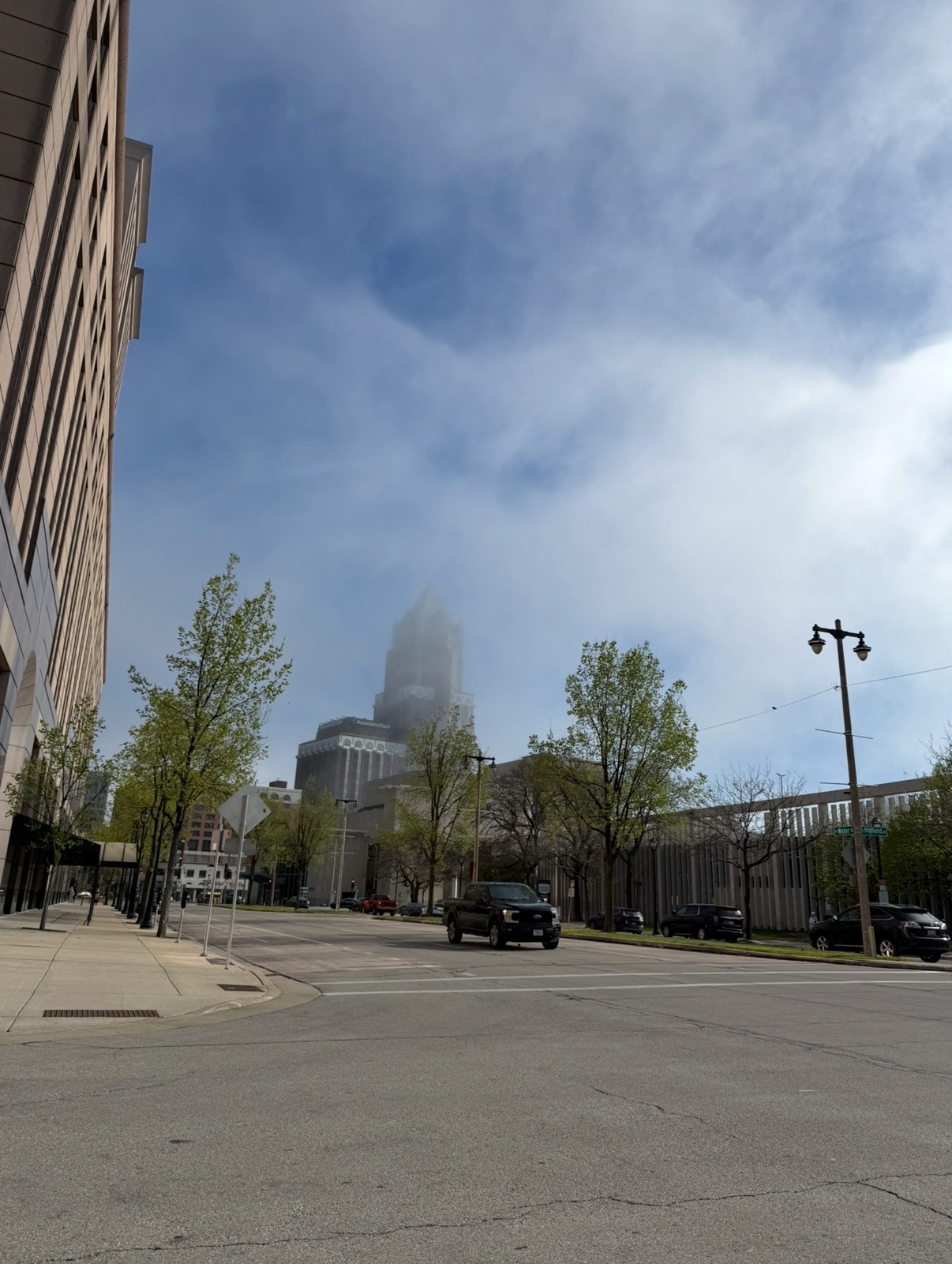
See the truck in the foreground?
I try not to include personally identifying info in any photos I publish on my blog, so it bothered me that on the original image, you could make out the license plate number if you enlarged it. The photo you see here is a screenshot of the original, which is just lower enough in quality to blur the plate number. I didn’t realize that a screenshot degraded the image, so that in itself is also interesting to learn.
I was looking at that original image yesterday, wondering how I could blur out the numbers or maybe crop the picture so as to cut it right at the license plate line, which would have resulted in a stupid-looking photo, when I noticed a little “eraser”-looking icon at the bottom of my editing screen.
Could it be? I duplicated the image, wanting to preserve the original, clicked on that icon, then swished my pinky over the truck. Poof! The truck disappeared from my image!
Well, that was exciting. And I was in a hurry to post because this is finals week at Milwaukee School of Engineering, the college where I teach, so I had many other things to do besides post a picture on my blog. So I quickly did another edit, cropping and enlarging the top of the building so you could see the fog more clearly, and then I went ahead and hit “publish.”
Done.
Except something kept nagging at me in the back of my mind. You know how you see things but they don’t register at the time, but then you realized they actually did register because all of a sudden, long after the fact, you remember what you saw but didn’t notice? If that makes sense.
Here’s the photo I published yesterday, except in the form of a screenshot with some relevant items circled.
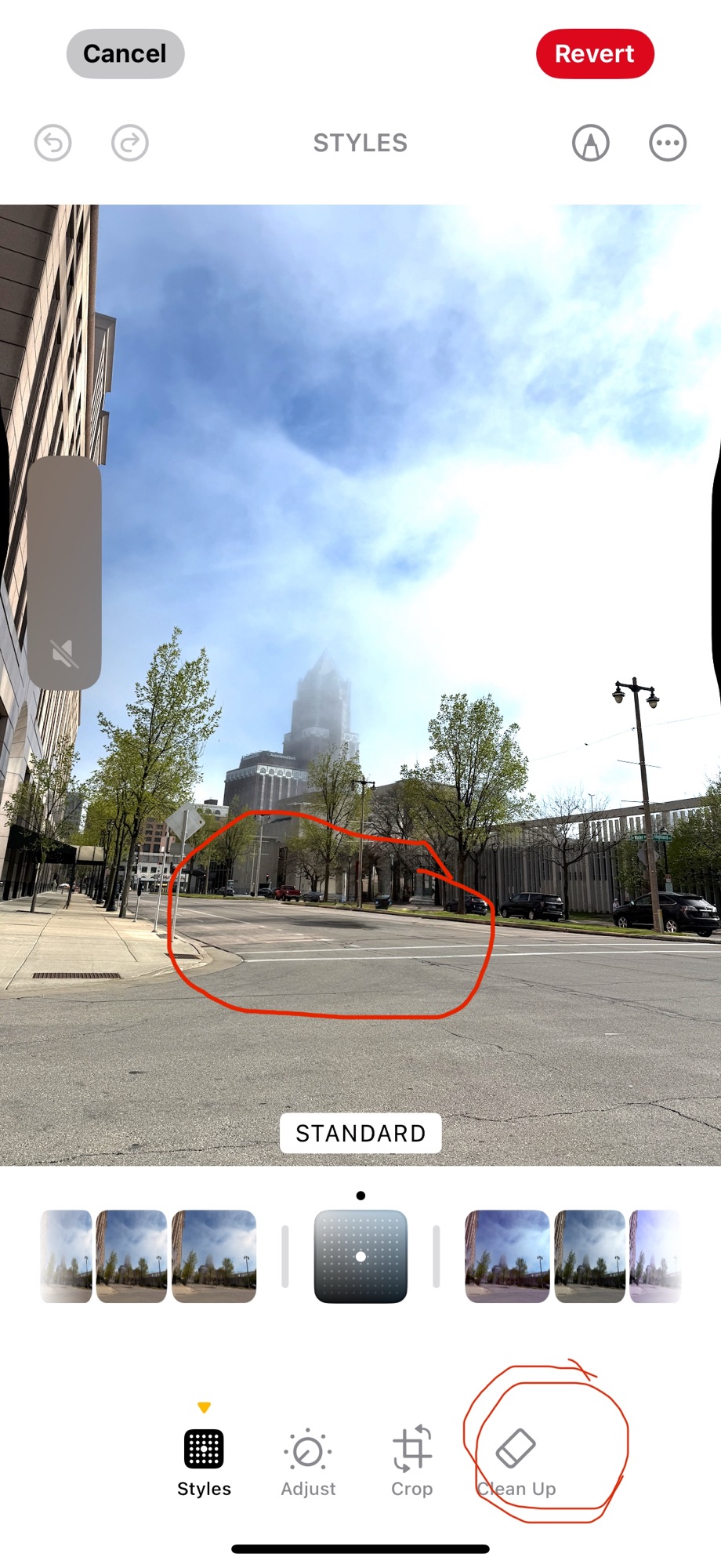
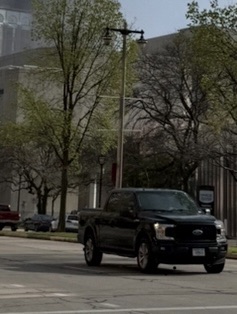
The item at the lower right is the image “eraser.” The item in the photo is the now-vanished truck’s shadow, shown in more detail in a cropped portion of the original photo below.
So I decided to try re-editing my edit with more “erasing,” and it worked fairly well to eliminate the truck’s shadow.
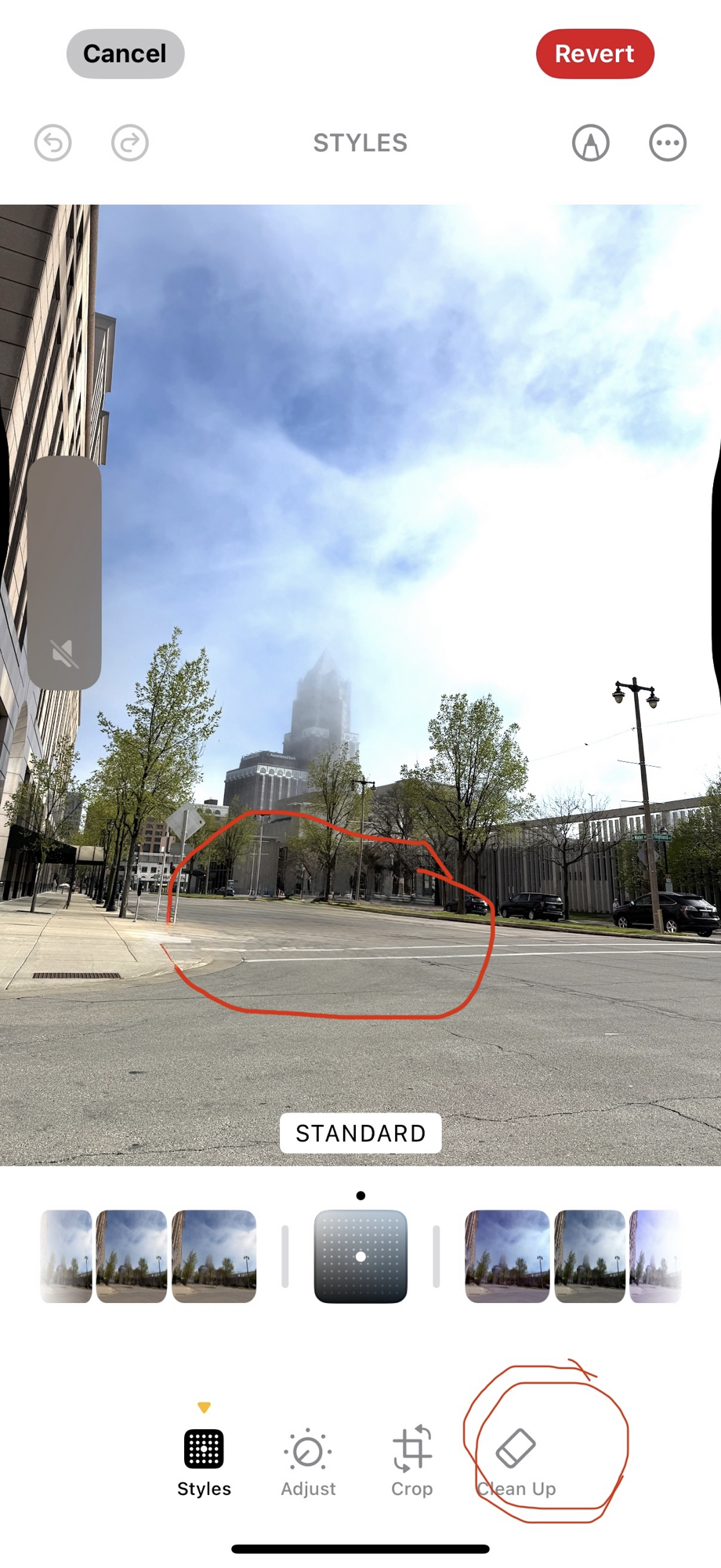 Cool, huh?
If you have a similar phone, this may all be old news to you, but as I’m still only two iPhones removed from my old Nokia flip phone (that was broken in a way that allowed me to open it with a flick of my wrist like Captain Kirk), I’m constantly impressed with what my iPhone 16’s camera can do!


 Katherine Wikoff